Best AI Makeup Tools: Enhance Your Beauty Routine with Smart Tech
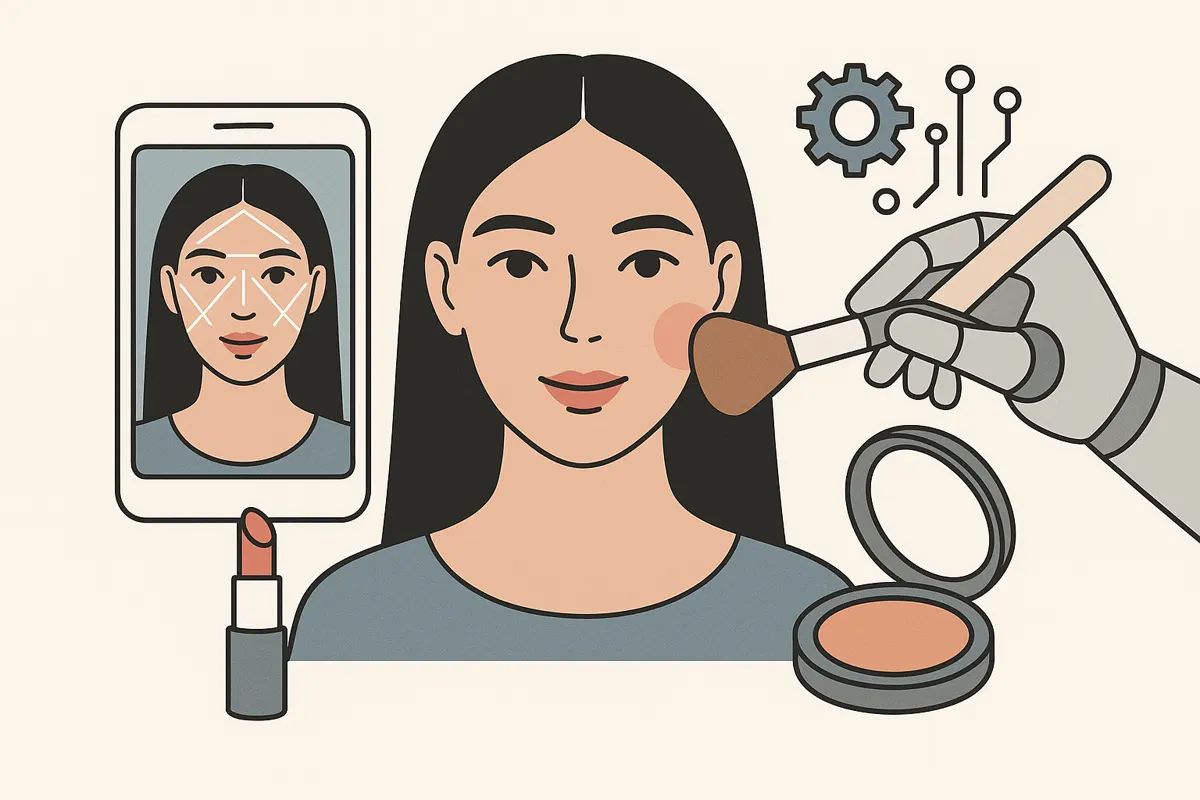
AI makeup tools fall into four jobs: analysing your colouring and face shape, trying makeup on, matching foundation shades, and editing photos. Here's what each kind does and which tools do it.
We make Makeup Check AI. For other companies' tools we only describe what their own store pages and websites say, as checked for our comparison pages in October 2026.
1. Face and colour analysis
These tools measure your face to tell you what suits it. Makeup Check AI's makeup analyzer uses Google's MediaPipe face landmark model in your browser to measure face shape, then samples skin colour on your cheeks, forehead and nose for undertone (warm, cool or neutral), depth and colour season. It turns those into foundation, lip, blush and eyeshadow colour families and placement for your face shape. The photo isn't uploaded. Results depend heavily on the light in your photo, so use daylight and no filter.
2. Virtual try-on
These put makeup on your face before you buy. There are two kinds:
- Photo try-on, such as Makeup Check AI's virtual try-on: lipstick, blush, eyeshadow and liner painted onto a still selfie, with the hex codes of each colour on the download.
- Live-camera try-on, such as YouCam Makeup and the ModiFace-powered try-ons on the L'Oréal Paris and Maybelline sites, which follow your face on camera. Brand try-ons show only their own products.
3. Shade matching
These help you find a foundation shade. Makeup Check AI's foundation shade matcher needs no photo: pick a shade you know and it lists the nearest shades in 26 brands by colour distance between the brands' swatches. Sephora's Foundation Finder and L'Oréal Paris's Beauty Genius assistant recommend from their own ranges.
4. Photo editing
Apps such as FaceApp and Perfect365 apply makeup filters and preset looks and retouch photos. They are built for editing pictures rather than advising what suits you. FaceApp's privacy policy says photos are processed on its cloud servers.
What to check before you use one
- Where the photo goes: processed on your device, or uploaded.
- What the tool actually measures, and whether it tells you its limits.
- What's free: ads, daily limits, and which results need a subscription.
For side-by-side detail and sources, see our app comparisons.
Get a personalized read from Makeup Check AI.
Try Makeup Check AI